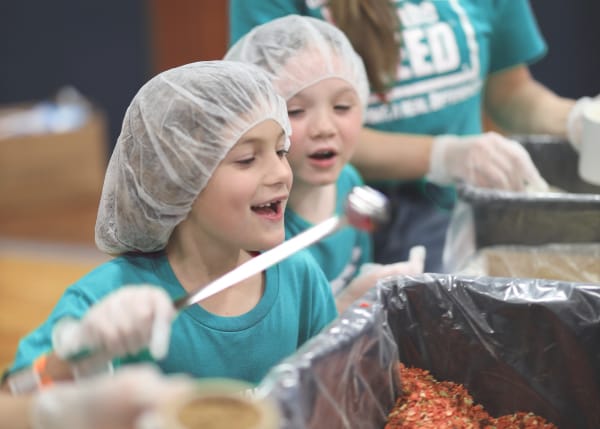
Washington Christian Academy FEEDS THE NEED


By the time they graduate, students will have spent more waking hours being shaped by teachers, peers, and culture than almost any other influence in their lives.
That’s why who’s doing the shaping matters.
At our school, students are not just taught—they’re discipled. Surrounded by godly mentors, immersed in truth, and held to standards rooted in Scripture, they are learning how to think critically, live boldly, and love faithfully in a world that desperately needs light.
Given that, there is no greater investment than a Christian education.
At its core, Feed the Need is both a powerful fundraising tool for Christian schools and a tangible expression of the gospel. The meals packed by students are distributed through Feed the Hunger, a ministry partner we've served alongside for over 15 years. Their work goes beyond physical relief—it creates ongoing opportunities for discipleship, church growth, and sharing the hope of Christ in some of the world’s most vulnerable communities.
Every meal is delivered through trusted indigenous church networks that are deeply rooted in the communities they serve. These local leaders pair food distribution with gospel outreach, children's programs, and long-term church planting and support.
We believe that lasting change goes beyond just meeting physical needs—it’s about restoring dignity, building relationships, and empowering communities. That’s why we partner with local leaders who have a deep understanding of their communities and can minister with lasting impact.
Rather than offering quick fixes, our ministry partners walk alongside children year after year. We provide not only food but also essential items like school supplies and hygiene products, all while sharing the Word of God. This discipleship-driven approach nurtures children’s spiritual, mental, and physical growth, creating lasting transformation.
Together, we don’t just feed children—we invest in their future. By empowering local leaders and walking with children over time, we are building dignity, not dependency.