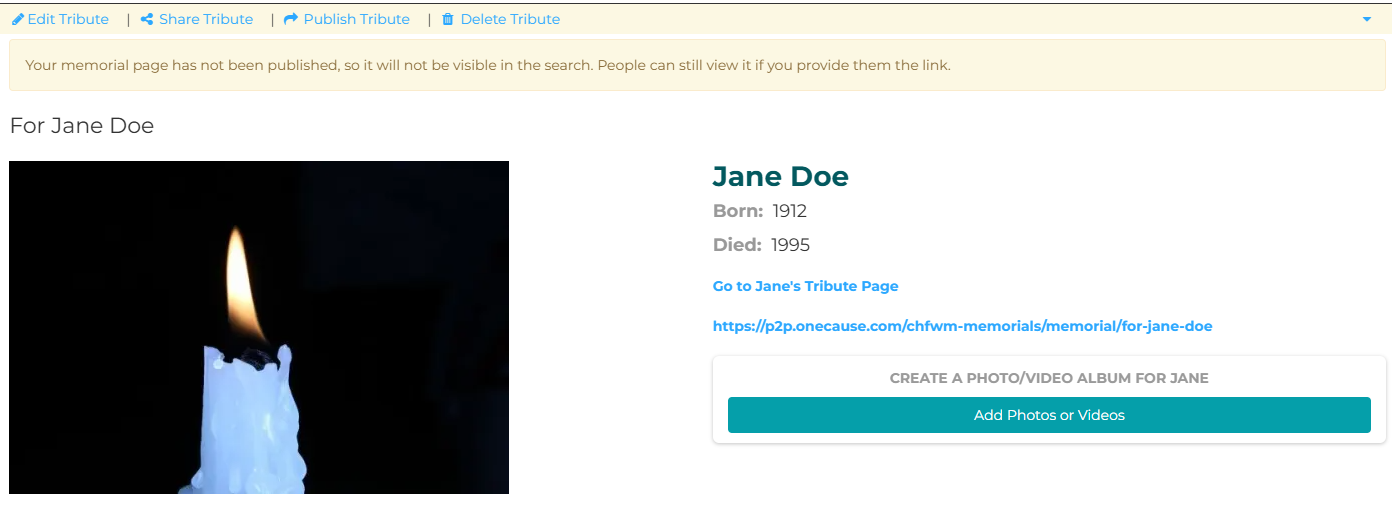
Setting up your personalized memorial page.
The first step is to "Register" for an account. An account allows you to track donations and send thank-you messages if you wish.
Please note: The account should be in your name, after sign up is complete you will be able to set up a memorial page in your loved ones name.
A pop-up window will appear and give you options for how you want to sign up – through Facebook, Google, or Twitter, or by using your email.
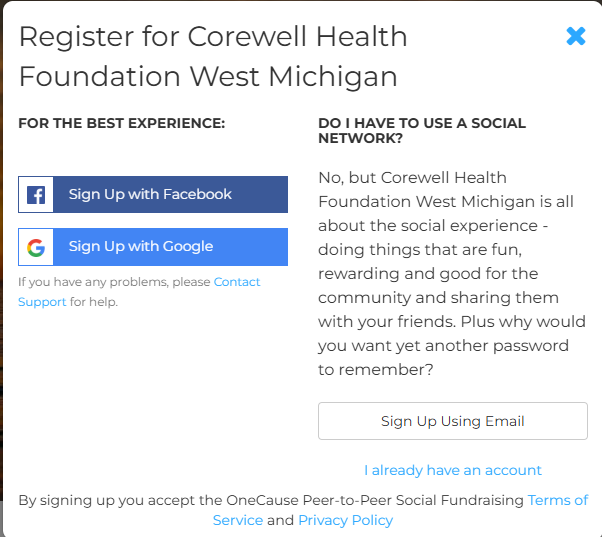
Please note: If you would like to receive automatic text notifications when someone has donated on your page, check the box during your registration.

Once you have registered, you will then be brought to your personal page where you can edit your information. From that page, you will find a menu on your left side, this is where you will choose "Memorial Page."
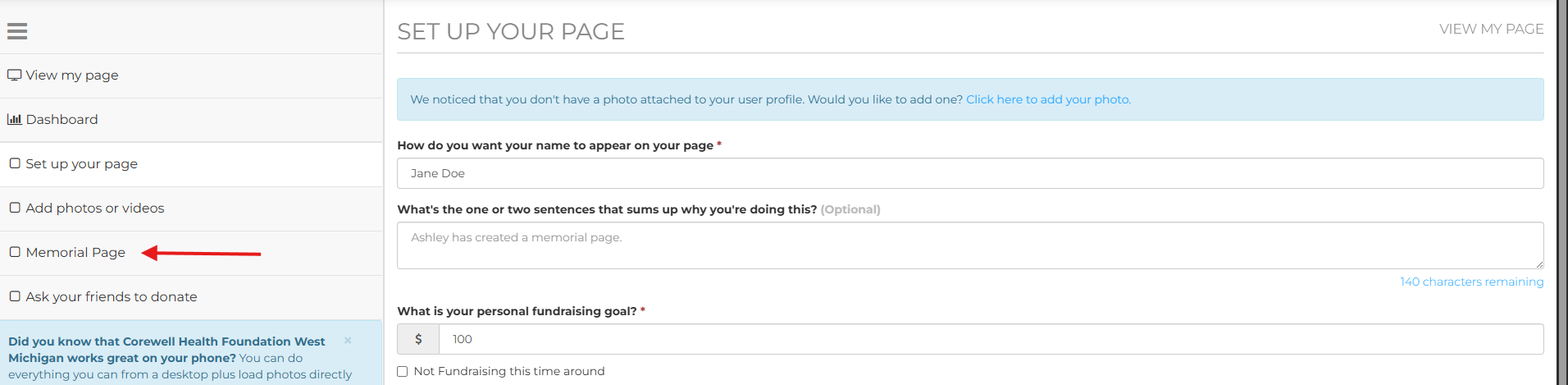
Here you will have the opportunity to choose the fund you are supporting(from a select list), add details about your loved one including a picture, dates of significance and more. Once you're finished adding details, click the blue save button at the bottom of the page.
Once saved, you may add more pictures from the page below. You will also find the link to share the page with others.
IMPORTANT: Once you are all done, please be sure to click "Publish Tribute."